
The best virtual staging software is the one that keeps the room's permanent features intact, because that is what MLS rules and buyers care about most. Price per photo ranges from about $0.24 to $2.67 across the plans we checked, so cost is the easy part to compare.
We have not tested these tools on real listings, so this guide compares what each vendor publishes and gives you a way to test them yourself. Prices were read from vendor pricing pages on October 24, 2026, and they change often.
If you are an agent building a workflow around one of these tools, virtual staging for realtors covers who pays and how to label photos. Here is what we will cover:
- Four tools compared on published pricing and cost per photo.
- How to choose between software and human editors.
- Free options and what ChatGPT can and cannot do.
- A short test to run before you commit.
We start with the table.
Virtual Staging Software Compared
All four options below stage a photo you supply, but they differ in who does the work and how they price it. The cost per photo is our arithmetic from published plan prices.
| Tool | Who does the work | Published pricing | Cost per photo | Free option |
|---|---|---|---|---|
| Virtual Staging AI | AI | $16 to $79 a month for 6 to 150 photos | $0.53 to $2.67 | None listed |
| Collov AI | AI | $19 to $127 a month for 60 to 526 photo credits | $0.24 to $0.33 | Watermarked trials |
| REimagineHome | AI | $14 to $99 a month for 30 to 900 credits | Not published per plan | 5 free designs |
| BoxBrownie | Human editors | C$30 per image, no subscription | C$30 | None listed |
How to read it: subscriptions make sense if you stage many photos a month, and pay-per-image makes sense for one listing. BoxBrownie is a service rather than software, but it is the usual comparison for agents who want a person to check the result.
Virtual Staging AI
- Best for: Agents who want a simple per-photo subscription.
- Why it works: The price drops as the plan grows, from $2.67 on the smallest plan to $0.53 on the largest.
- Watch out for: No free trial is listed, and the pricing page does not mention disclosure or MLS compliance.
Collov AI
- Best for: High-volume users, since the credit price falls to $0.24.
- Why it works: Credits reset monthly and extra photos on the top plan cost $0.24 each.
- Watch out for: Trials are watermarked, and the page does not map each trial to a plan.
REimagineHome
- Best for: Trying a tool before paying, with five free designs and no card.
- Why it works: Design-only visualizations cost one credit, and conversation costs none.
- Watch out for: The page gives a price range but not each plan's price.
BoxBrownie
- Best for: A single listing where you want a person to place the furniture.
- Why it works: There is no subscription, and styles include modern, farmhouse and Scandinavian.
- Watch out for: The price is in Canadian dollars and turnaround is 48 hours.
How to Choose Virtual Home Staging Software
Choose by how many photos you stage, how much control you want and how strict your MLS is. These are the criteria we would use.
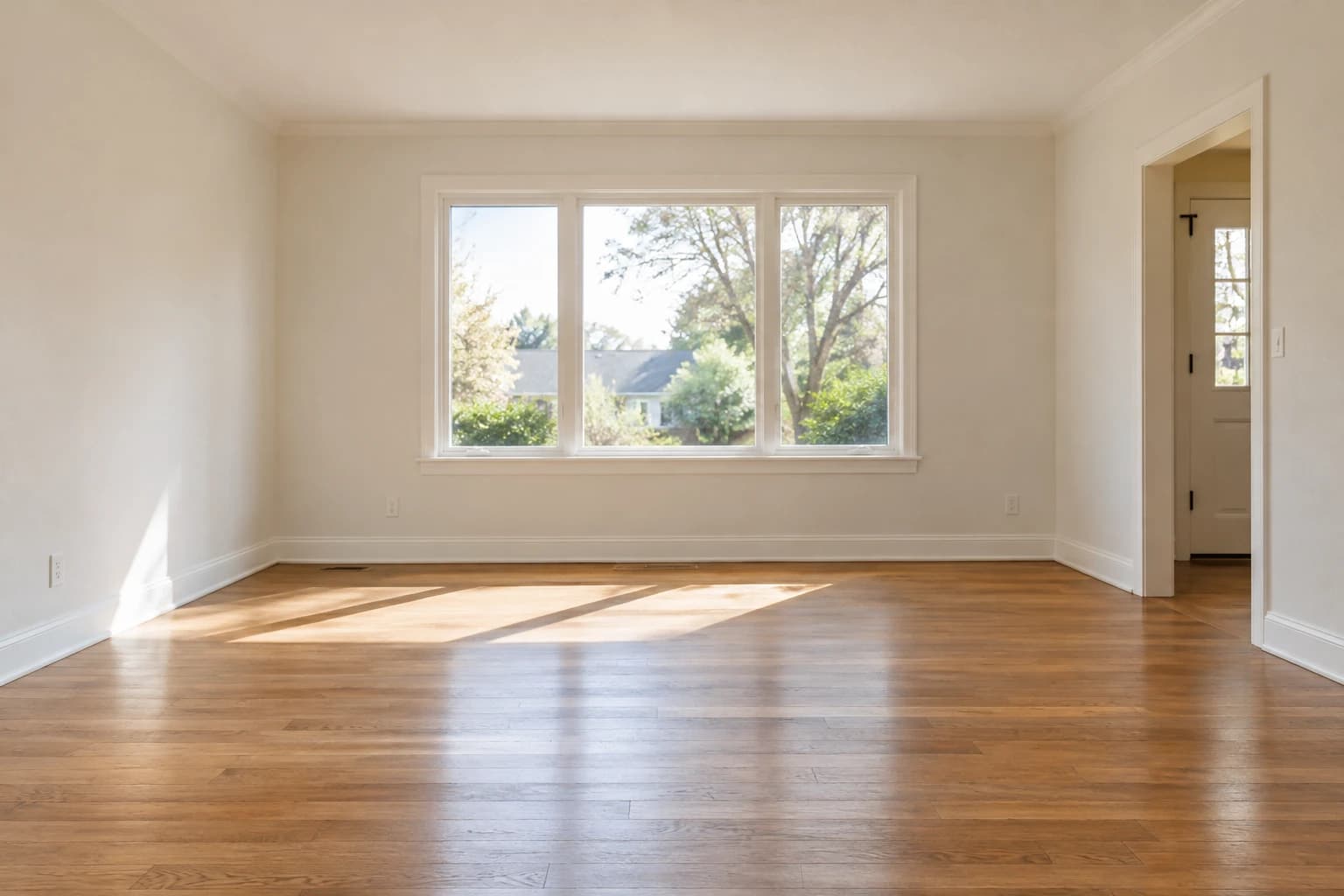
- Permanent features stay put: Walls, floors, windows and fireplaces should not change.
- Furniture scale looks right: A sofa that is too large or small gives the game away.
- Lighting and shadows match: Mismatched shadows are the usual tell.
- Resolution suits the MLS: Check your MLS photo requirements.
- Watermarks and exports: Trials are often watermarked.
- Labeling support: Some tools help you caption or export the original.
Rules vary by MLS. MLS Now allows virtual staging limited to movable items with disclosure, and Northstar MLS's proposed guidelines call for labels and the unaltered image.
A Five-Minute Test Before You Pay
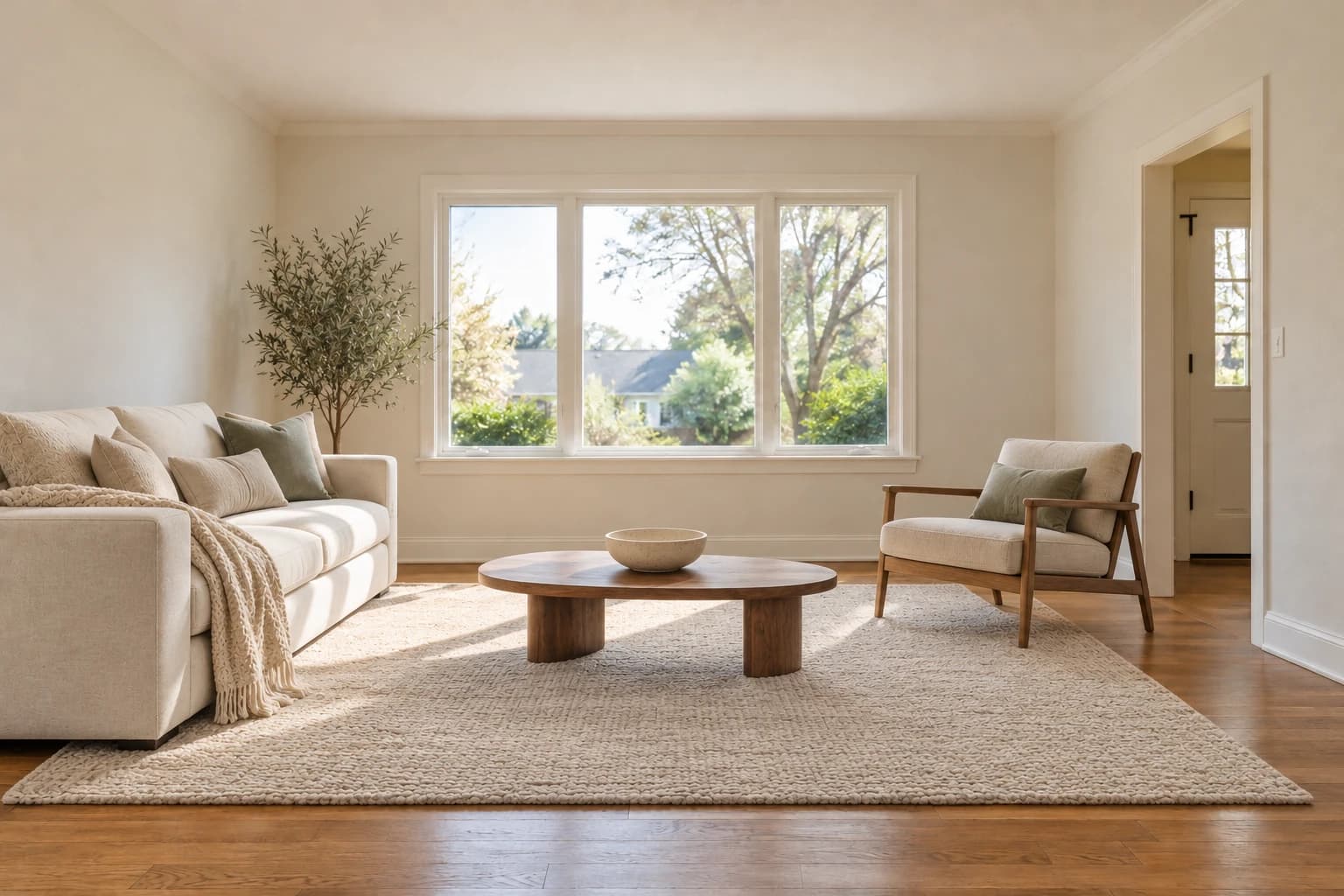
Run the same empty-room photo through two tools and compare. This is an editorial method, not a vendor benchmark.
- Use a photo with a window, a fireplace or a distinctive floor.
- Stage it in the same style in both tools.
- Overlay the original and check that permanent features did not move.
- Check the furniture against the room's width and ceiling height.
- Show both versions to someone who has not seen the room.
Is there a free tool for virtual staging?
Some tools offer limited free trials. REimagineHome lists five free designs, and Collov offers watermarked trials, so you can test before you pay. Watermarked images are not usable on a listing.
Can ChatGPT do virtual staging?
General-purpose AI image tools can add furniture to a photo, but they may alter walls, windows or floors. Compare every result against the original, and follow MLS disclosure rules.
What is the best app for virtual staging a room?
There is no single winner. The best app depends on volume, budget and how strict your MLS is, so use the criteria and the test above. We have not ranked these tools by quality.
Which Virtual Staging Software Fits Your Situation?
The right choice depends on your volume and how much review you want. This table is our editorial judgment, not a ranking.
| If you... | Consider | Why |
|---|---|---|
| Stage a handful of photos a year | Pay-per-image or a free trial | No subscription to waste |
| Stage dozens of photos a month | A high-volume plan | The per-photo price falls with volume |
| Want a person to review each image | A human-editor service | A second pair of eyes catches errors |
| Want to explore styles first | A tool with free designs | Test before you commit |
| Work under a strict MLS | Any tool, after the test above | Compliance depends on your checks, not the brand |
What the Pricing Pages Do Not Tell You
Pricing pages show prices, not the details that cost you time. Ask these questions before you subscribe.
- Is there a commercial license? You need the right to use the images in a listing.
- Are trials watermarked? Watermarked images cannot be used on a listing.
- What happens to unused photos? Collov says photo usage resets monthly.
- Can you get a revision? A poor result is common, so ask how redos are counted.
- Does the vendor mention disclosure? The Virtual Staging AI pricing page does not, so you carry the compliance step.
The PERM Test: Our Compliance Check for Any Tool
PERM is our editorial test, built from the permanent-features rules at MLS Now and Northstar MLS. Run it on every tool before you pay.
| Letter | Check | Pass looks like |
|---|---|---|
| P: Permanent features | Overlay the original and the edit | Walls, windows and floors unchanged |
| E: Exact scale | Compare furniture to the room | A sofa that fits the wall |
| R: Realistic light | Check shadows and reflections | Shadows match the window |
| M: Marked | Confirm you can label and keep the original | A caption and an unaltered copy |
What the data says: Published prices span about $0.24 to $2.67 per photo for software, and NAR's median physical staging spend is $1,500. Our take: the price gap is not the risk. The Virtual Staging AI pricing page does not mention disclosure, and we did not check the other pages for it, so compliance is a step you add.
The Bottom Line
Cost per photo ranges from about $0.24 to $2.67 for software and C$30 for human editors, so the real differences are control and compliance. Test two tools on the same photo, check that nothing permanent changed and label every staged image.
If the listing also needs real furniture for showings, explore vacant home staging services. The staging directory covers physical services; the tool comparison above covers virtual staging.